Enabling Face ID / Touch ID
Secure your BuilderPad account with Face ID or Touch ID for quick and easy access. This guide shows you how to enable biometric login on your mobile device, adding an extra layer of security to your account.
Written By Stefan S.
Last updated 12 months ago
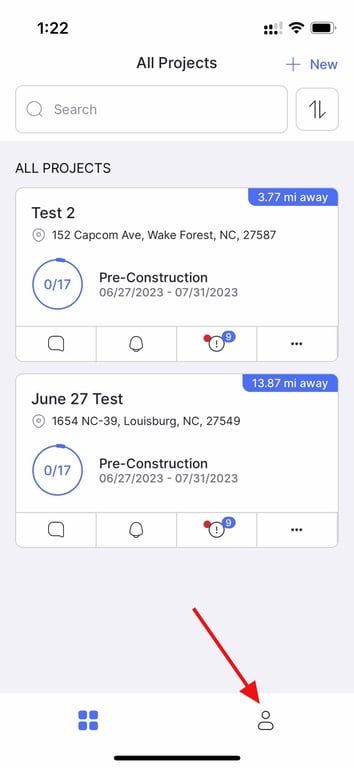
To enable Face ID, click on the "profile" icon.
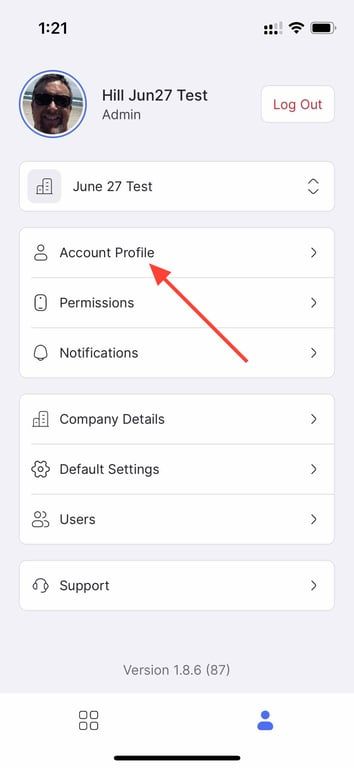
Next, click "Account Profile"
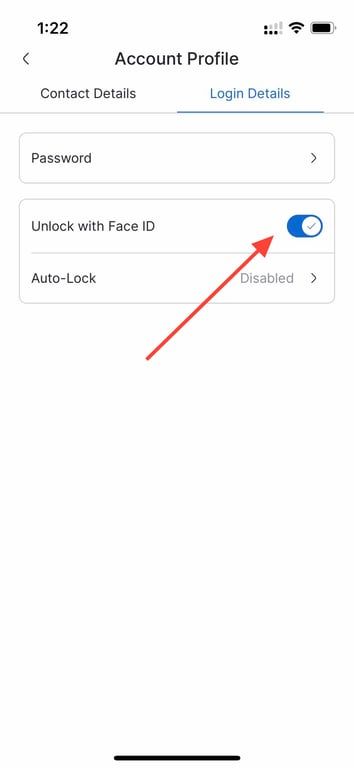
Then, click on "Login Details"
And right after, click "Unlock with Face ID"
Still need help? Ask the team