Contracts budget column addition
Written By Stefan S.
Last updated 4 months ago
This guide explains how to add a contract column to the budget.
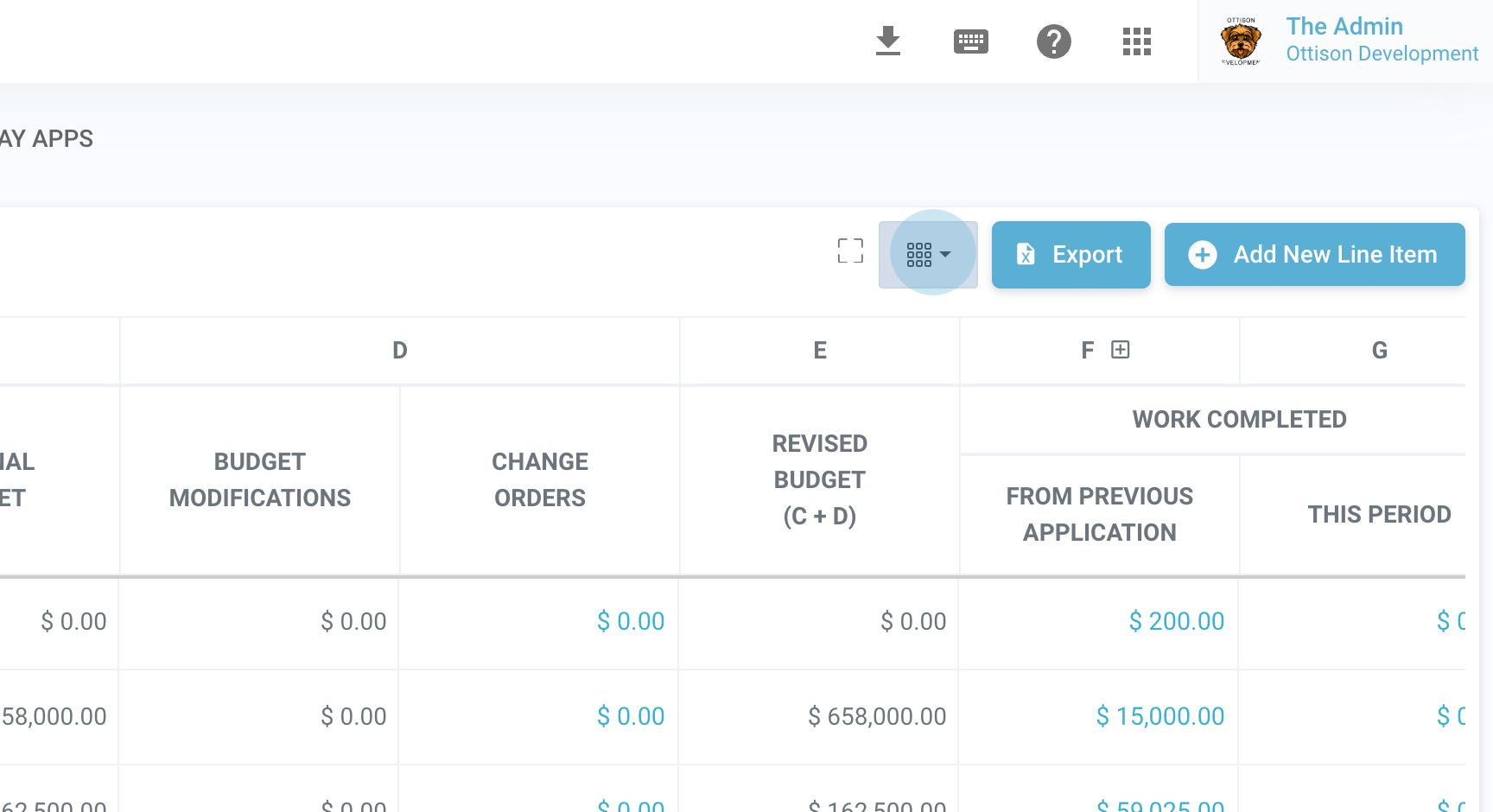
Step 1: Open the drop-down menu for visible columns.
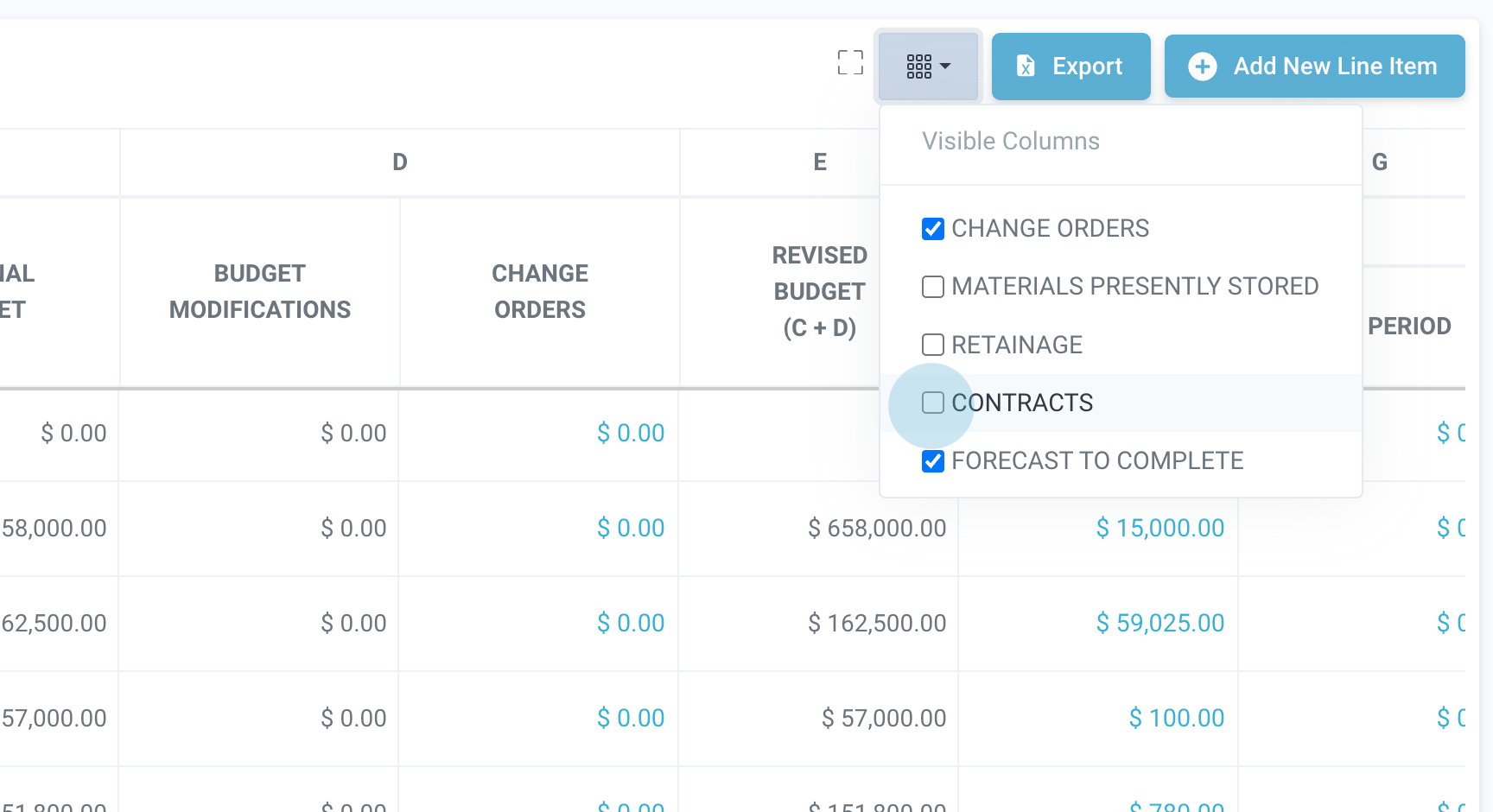
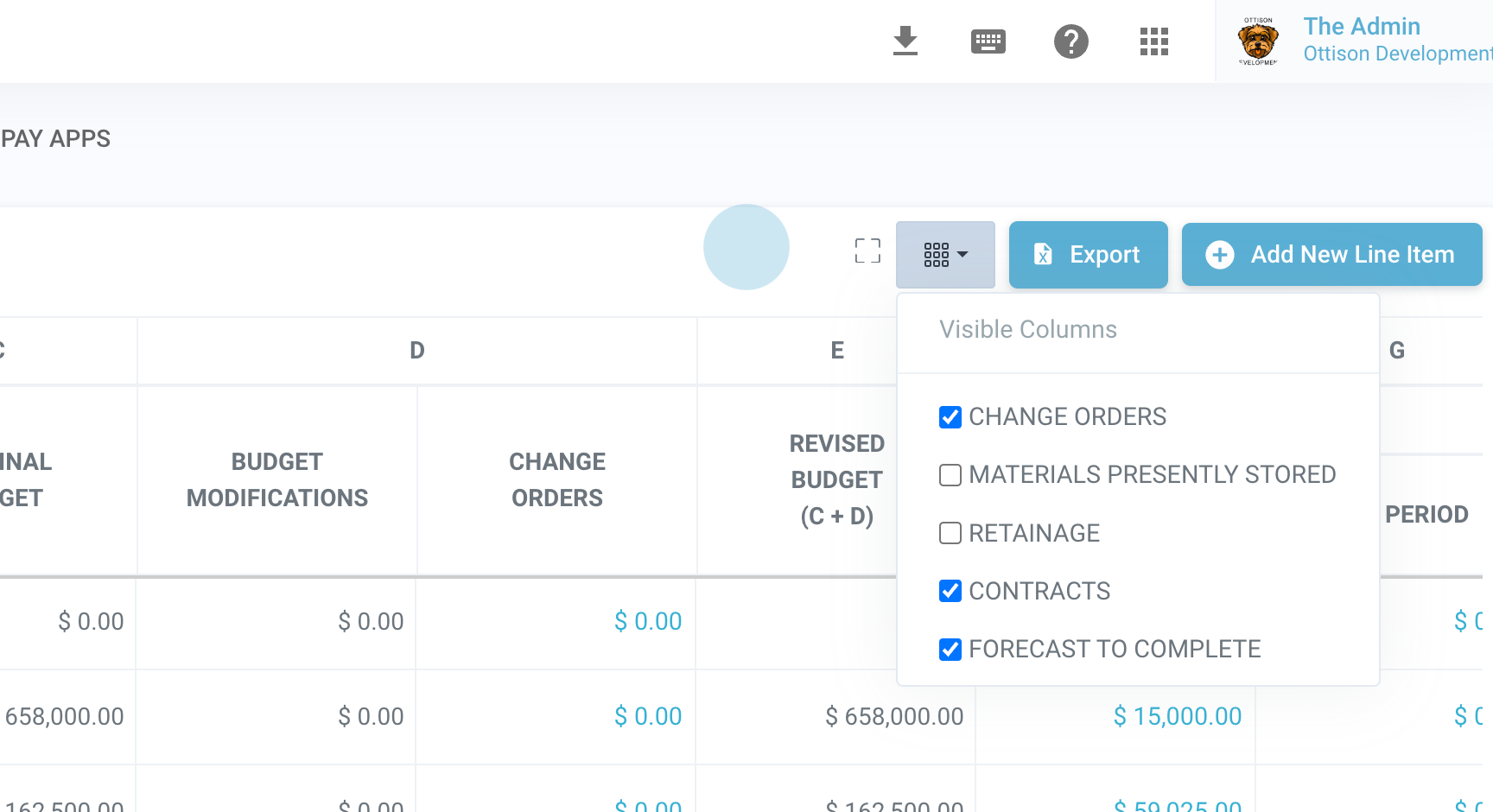
Step 2: Select Contracts.
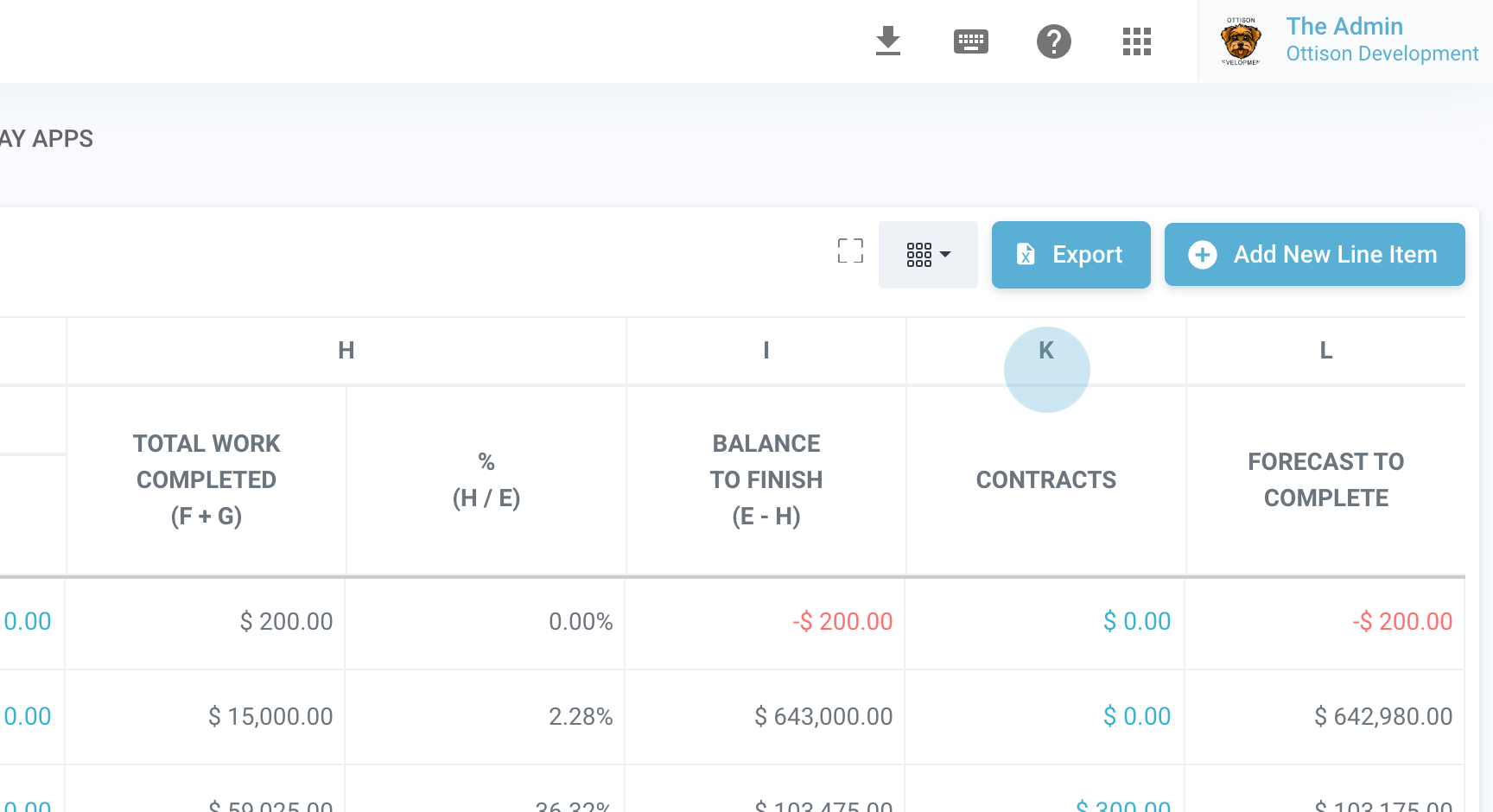
Step 3: Scroll to the right to view the newly added contract column.
That concludes this guide. Thank you.
Still need help? Ask the team