Media vs File Cabinet: What Goes Where
Written By Stefan S.
Last updated 3 months ago
BuilderPad gives you two places to work with what you upload, and they are built for two different jobs. Here is the simple way to think about it.
The quick version
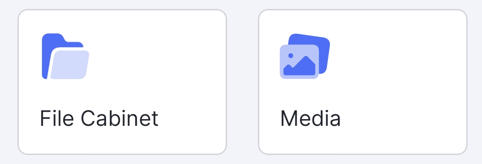
→ The File Cabinet is your document home: contracts, plans, estimates, permits, and other files, organized in folders for easy management.
→ Media is your visual home: the photos and videos from your project's activity feed, shown in a grid/gallery so you can scroll progress, filter, and share images fast.
One file, many places
Everything you upload is stored once behind the scenes.
The same file can then show up in more than one place, depending on how you use it:
on an Activity Feed post,
in the Media gallery,
and in your File Cabinet folders.
It is the same file in each spot, not three copies. So a progress photo you post to the feed also appears in Media, and a file you attach from the File Cabinet stays the single, up-to-date copy.
💡 Photos and videos from the feed live in Media. Documents and structured files live in the File Cabinet. Same storage, two views built for two purposes.
FAQ
If I upload a photo to a post, is it also in Media?
If I upload a photo to a post, is it also in Media?
Yes. Feed photos and videos automatically appear in the Media section.
Will my older photos show in Media?
Will my older photos show in Media?
Yes. Existing feed media is included in the Media view.
Does attaching a File Cabinet file to a post duplicate it?
Does attaching a File Cabinet file to a post duplicate it?
No. It stays one file, just shown in another place.
Still need help? Ask the team