Finding Invoices in Accounts Payable
Written By Stefan S.
Last updated 7 months ago
Discover how to locate an invoice in the accounts payable tab.
Steps:
Step 1: Begin in the accounts payable tab. Search for invoices either by All Invoices, Project or Vendor.
Step 2: Rearrange the selection according to preference. The default selection is already set.
Step 3: In the 'All Invoices' section, use the filter system.
Step 4: Notice that the archives are hidden. Remove the archive hidden feature to view all invoices.
Step 5: Select the status to view approved invoices.
Step 6: Now, view all the approved invoices.
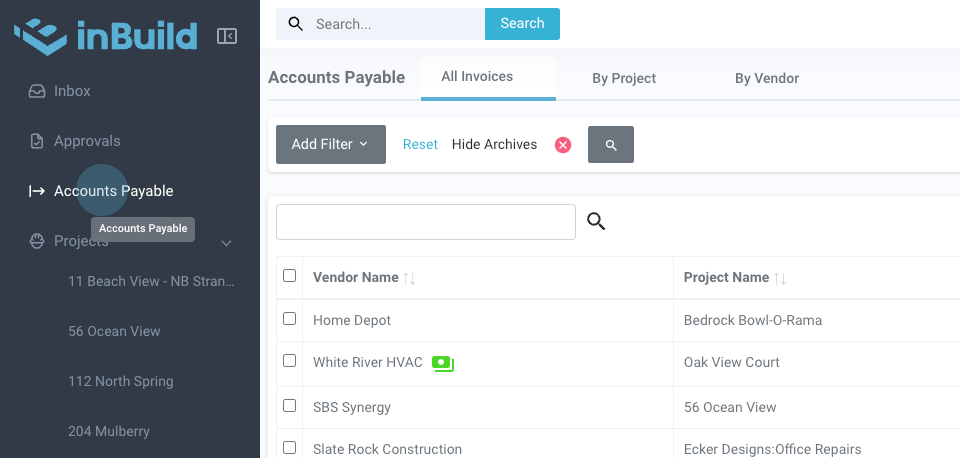
Step 1: Begin in the accounts payable tab. Search for invoices either by All Invoices, Project or Vendor.
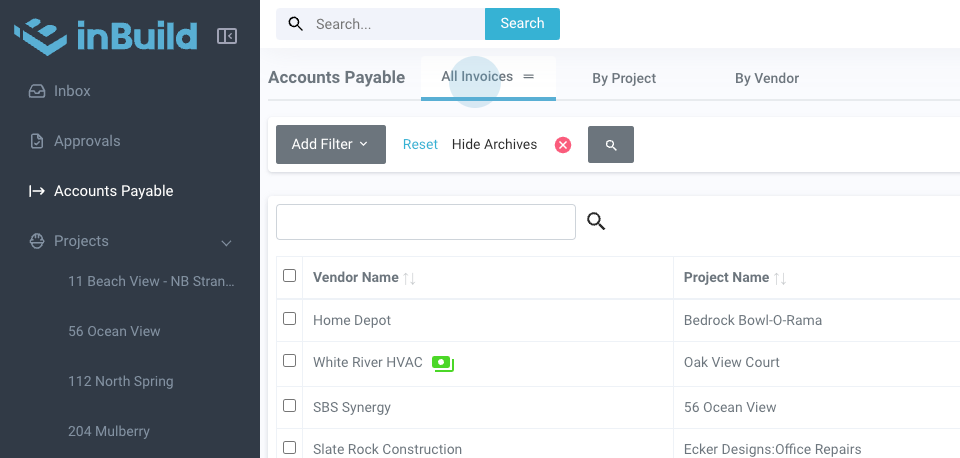
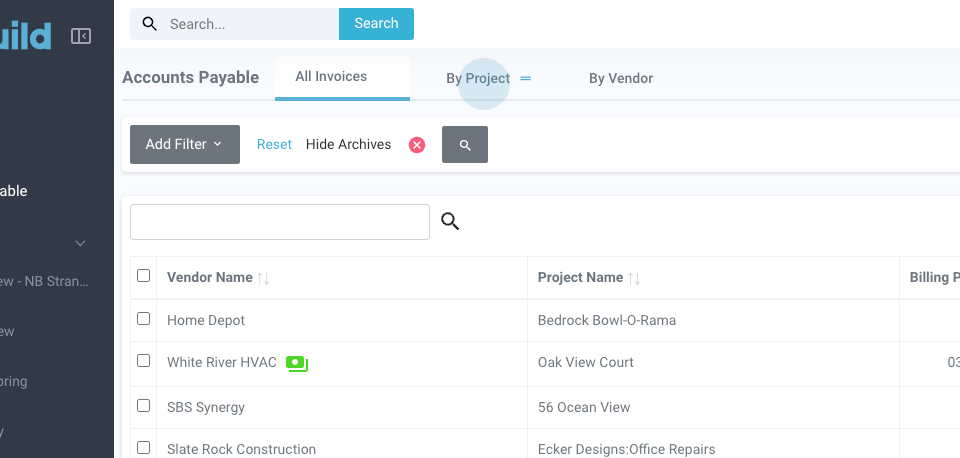
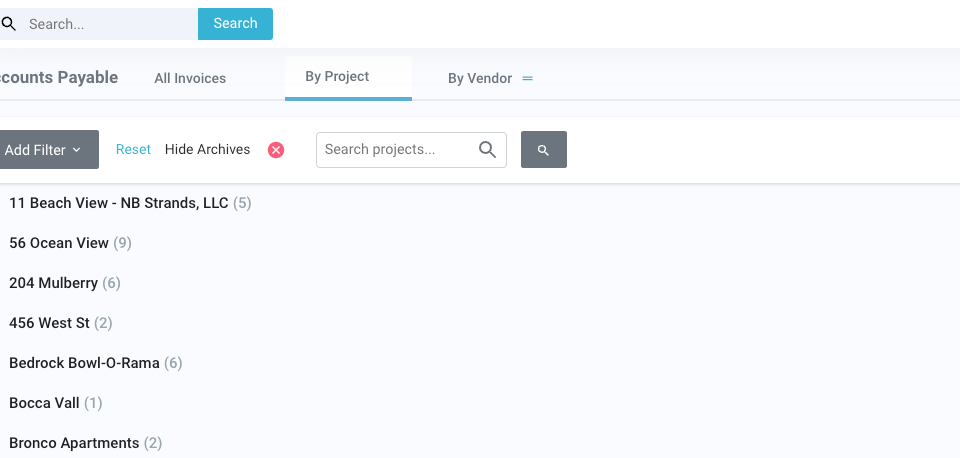
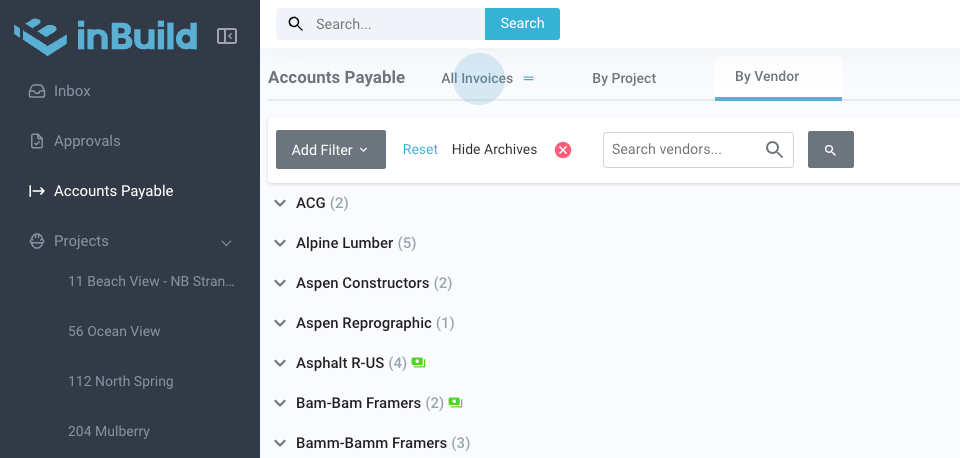
Step 2: Rearrange the selection according to preference. The default selection is already set.
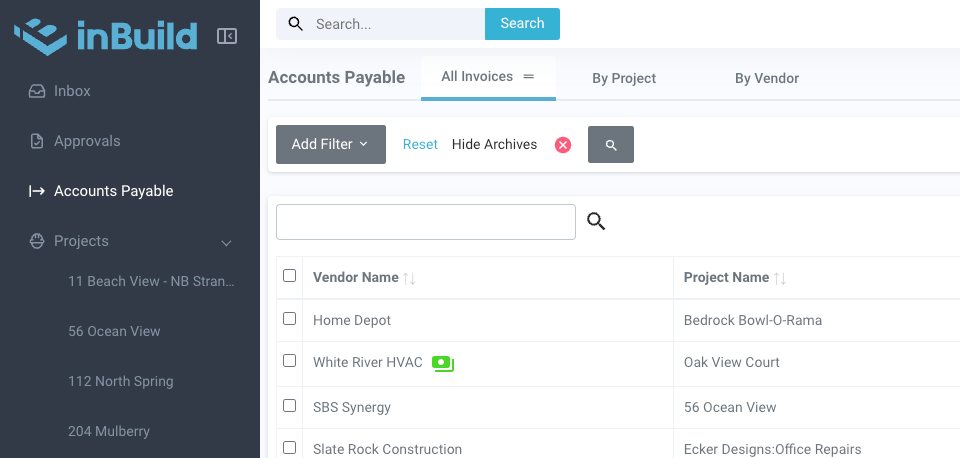
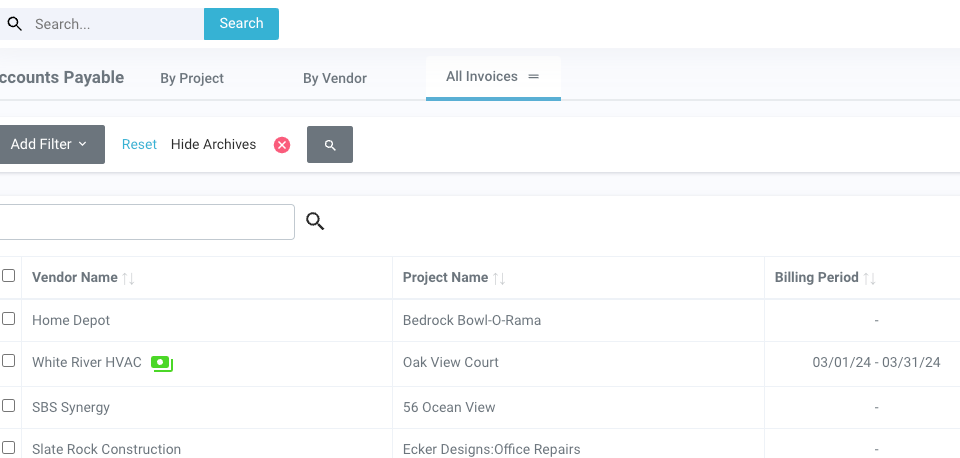
Step 3: In the 'All Invoices' section, use the filter system. Today, we're filtering by status.
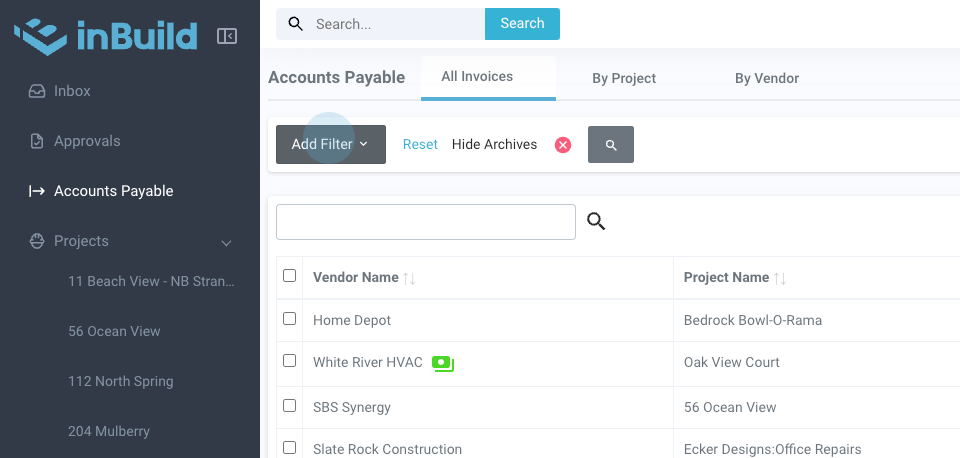
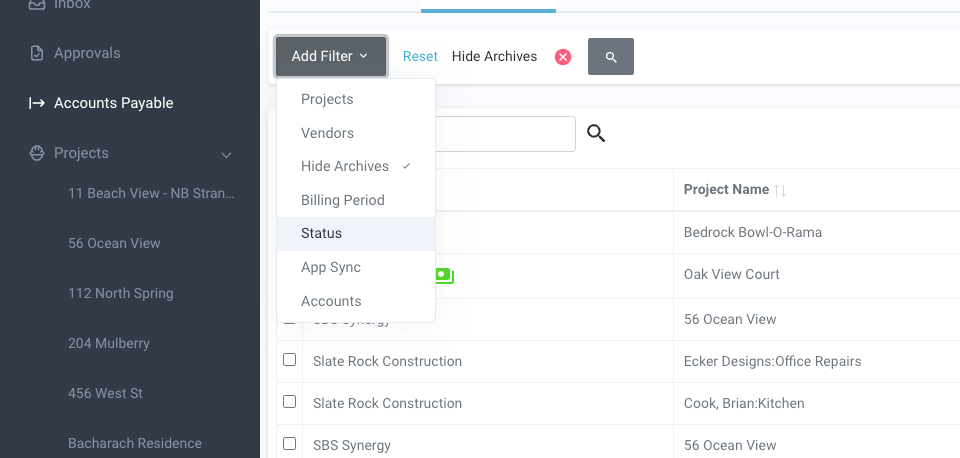
Step 4: Notice that the archives are hidden. Remove the archive hidden feature to view all invoices.
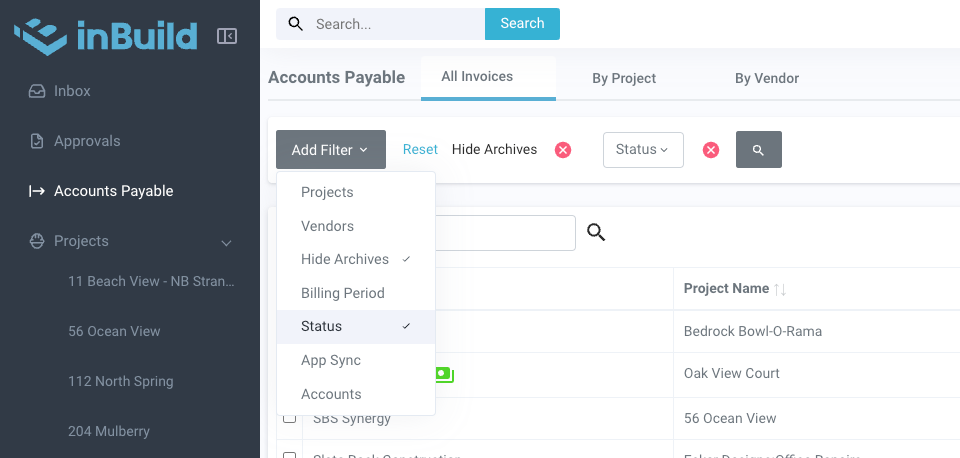
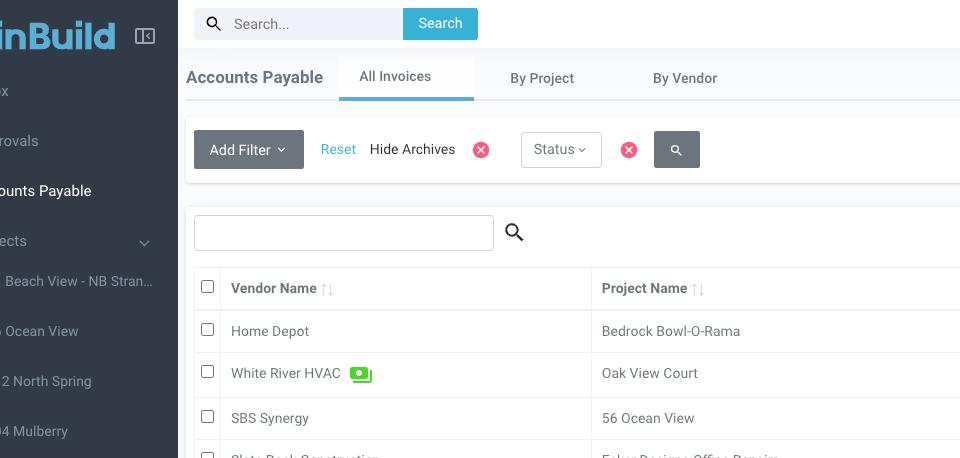
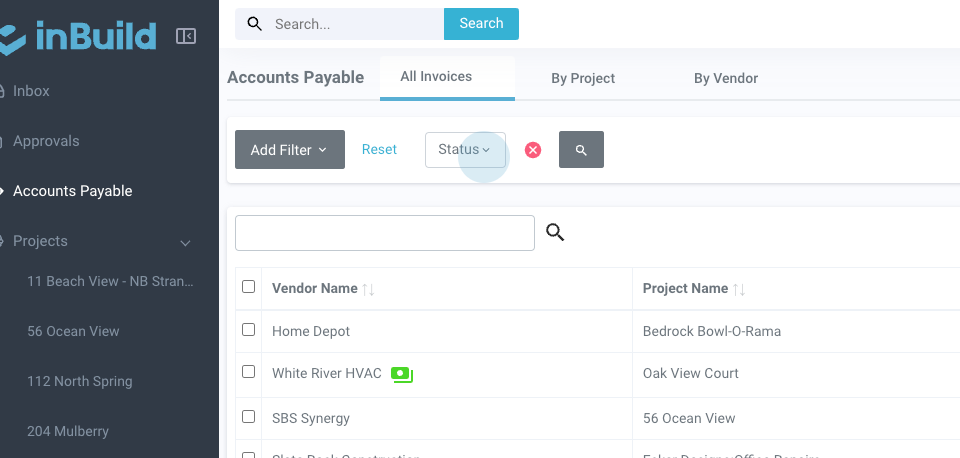
Step 5: Select the status to view approved invoices.
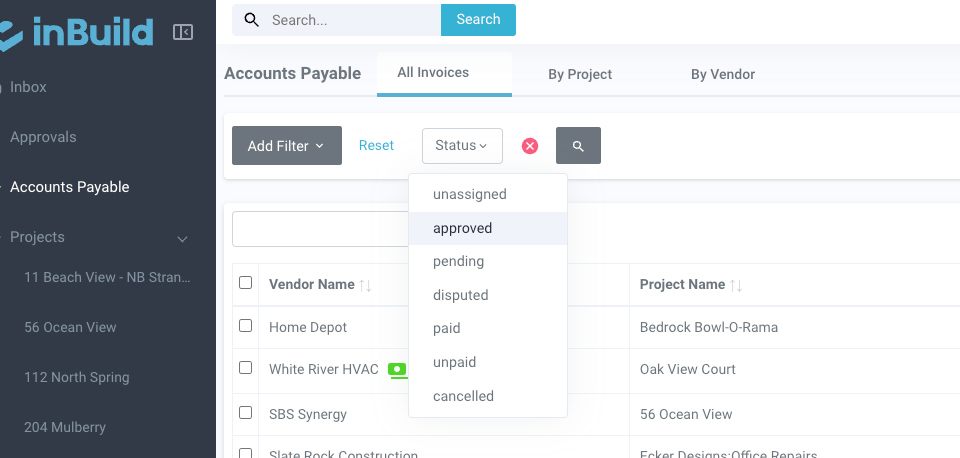
Step 6: Now, view all the approved invoices.
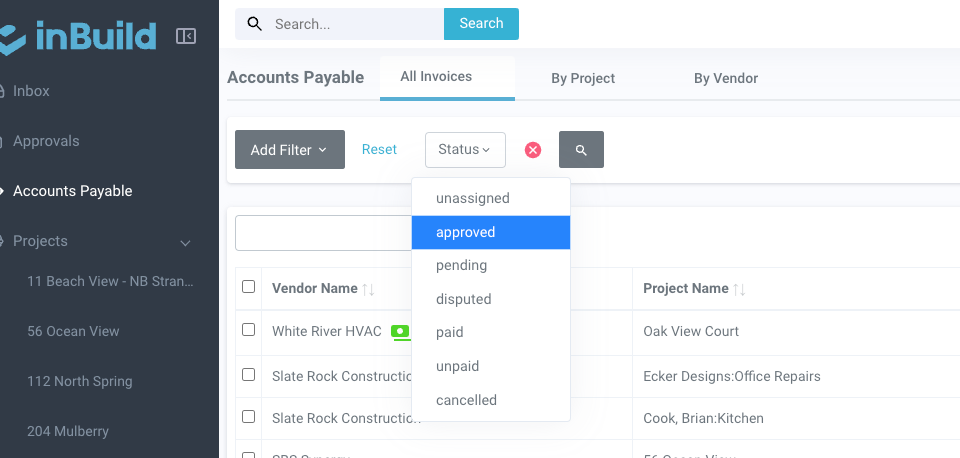
That is how you find an invoice in accounts payable. Feel free to reach out if there are any questions.
Was this helpful?
Still need help? Ask the team