
Changelog

Follow new updates and improvements to BuilderPad.

Clear the Clutter: New Hide Phases Toggle for the Gantt View
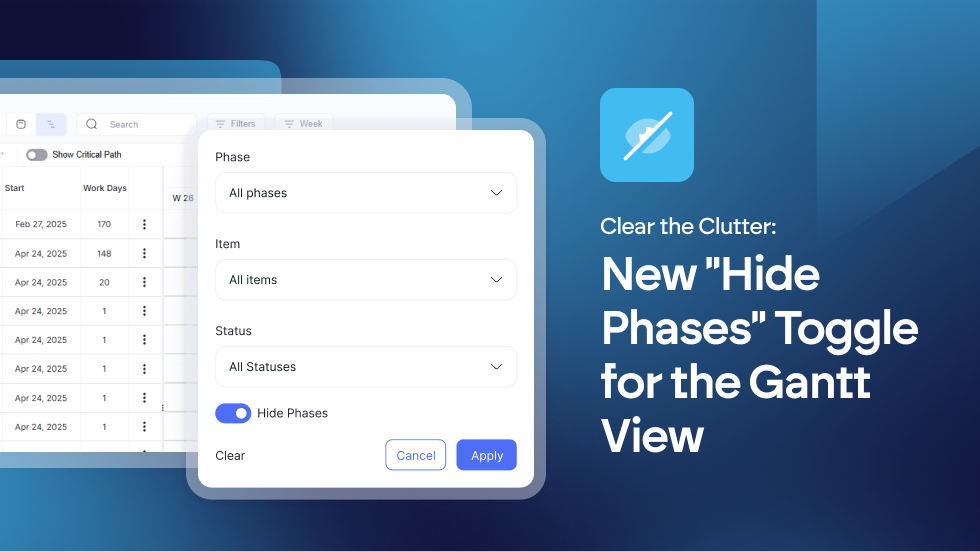

To help you focus on the work that matters most, we’ve added a new Hide Phases toggle to your Gantt View filters. 

  • Hide Phases Toggle: A new filter option in the Gantt View to remove phase rows from the display.

  • UI Enhancement: Increased vertical screen real estate for schedule items by hiding non-essential headers.

With one click, you can collapse all phase headers, removing the vertical bulk and leaving you with a streamlined list of actionable items.

Find out more about using the Gantt View in our Knowledge Base article: https://support.builderpad.com/en/help/articles/1776348-using-the-gantt-view
New Feature

🚮 File Cabinet Trash Bin & Recovery

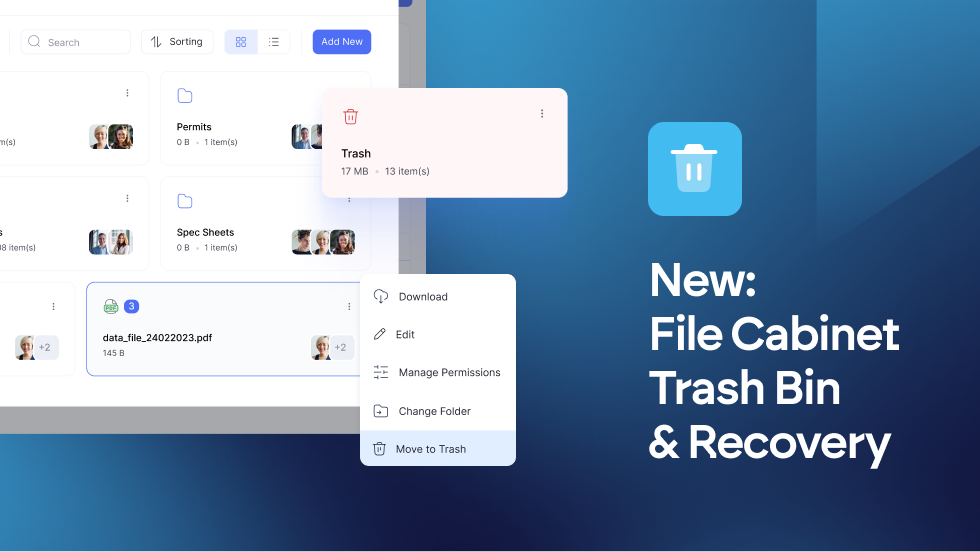
Deleted files and folders are no longer gone in an instant. Instead, they’ll move to a temporary holding area where they’ll stay safe for 30 days.

This gives you a month to restore anything that was tossed by mistake or permanently clear out the clutter when you're certain it’s no longer needed.

  • Safety Net: Deleted files and folders are now moved to a Trash Bin instead of being immediately erased.

  • 30-Day Retention: Items remain in the Trash Bin for 30 days before being permanently purged by the system.

  • Restore Functionality: Easily restore accidentally deleted documents back to their original location via the 3-dot menu.

Manual Purge: Users can now choose to "Delete Permanently" from within the Trash Bin for immediate removal.

It’s a small change that makes a massive difference in how you manage your project documents. No more lost work - just a smarter, safer way to keep your File Cabinet organized.

Find out more about your File Cabinet options at → https://feedback.builderpad.com/en/help/articles/6412811-how-to-use-the-file-cabinet

New Feature

📋 New Option: Support for Checklists in Schedule Templates

We’ve expanded our Schedule templating capabilities!

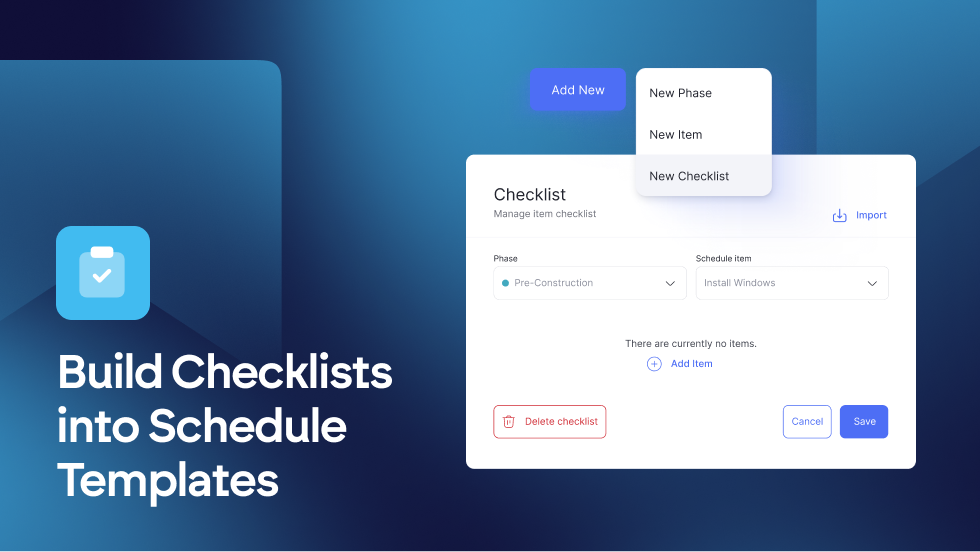
You can now add and manage checklists directly within your Schedule Templates.

By including these in your Default Settings, any project created from a template will automatically include the necessary checklists.

Saving you time and ensuring project consistency from day one!

View our step-by-step guide at → https://support.builderpad.com/en/help/articles/1268624-how-to-add-checklists-to-schedule-templates

New Feature

Earlier updates