Changelog

Follow new updates and improvements to BuilderPad.

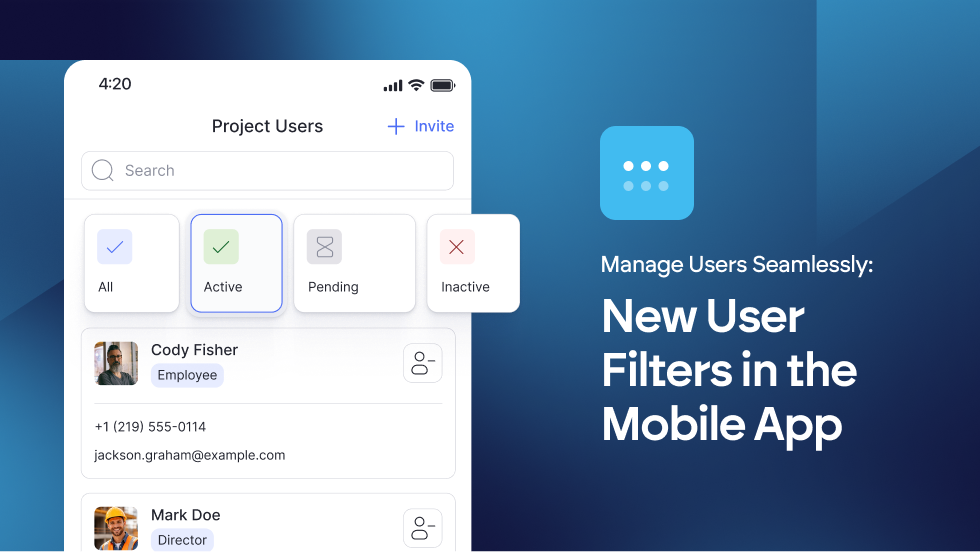
📱 Manage Users Seamlessly: New User Filters in the Mobile App


Managing your project team on the go just got a whole lot cleaner. We’ve added intuitive Filter Tabs to the Users section of the BuilderPad mobile app. 

Now, you can instantly toggle between All, Active, Pending, and Inactive users with a single tap.

Whether you’re checking who has accepted their invite or managing permissions from the field, managing user permissions is now faster than ever.

Learn more about managing User Permissions at → https://support.builderpad.com/en/help/articles/2328963-managing-users

Improvement

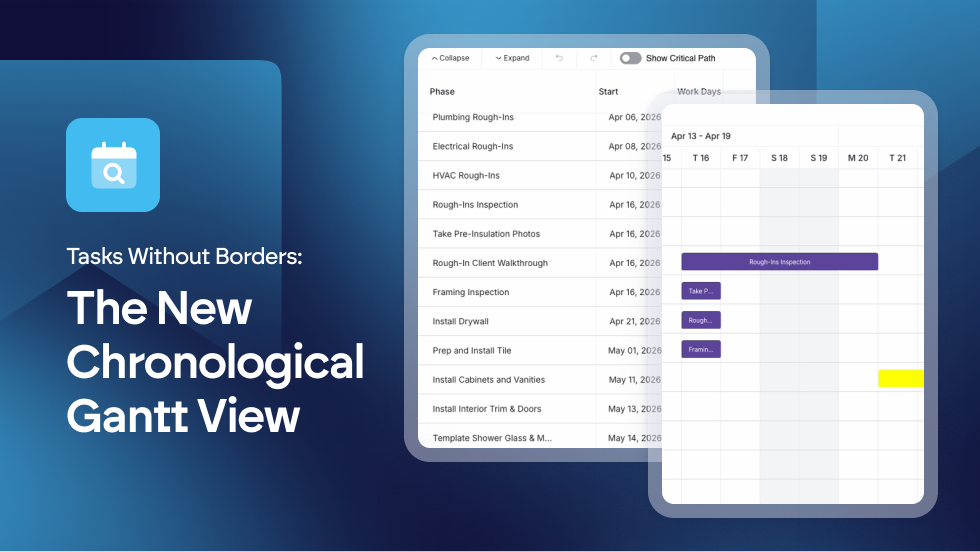
Tasks Without Borders: The New Chronological Gantt View


We’ve introduced a new way to visualize your work. You can now view all schedule items in a single, seamless chronological list, completely independent of their phases.

This global view treats your project as one continuous flow, allowing you to see exactly what comes next across the entire build without being interrupted by phase headers.

  • Unified Chronological View: New display mode allows schedule items to be viewed in a global list, independent of phase groupings.

  • Logic-Based Sorting: Improved the Gantt visualization to prioritize date-driven flow for better conflict detection.

By removing phase boundaries, you can spot overlaps and scheduling gaps instantly. It’s the ultimate big picture view for builders who need to know exactly what’s happening on-site today, tomorrow, and next week, regardless of which phase the task belongs to.

Find out more about using the Gantt View in our Knowledge Base article: https://support.builderpad.com/en/help/articles/1776348-using-the-gantt-view

Improvement

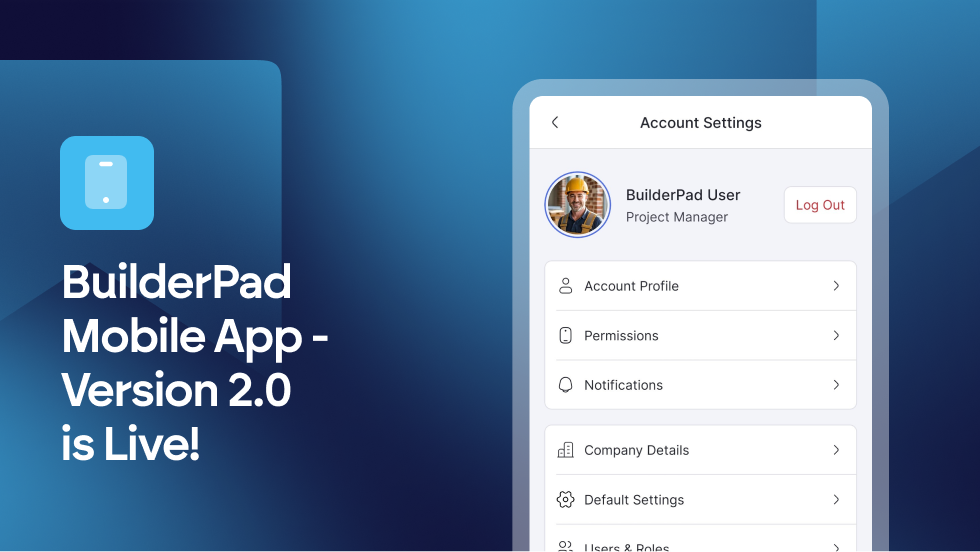
📱 Important Update: BuilderPad V2 Mobile App is Now Live

We have some exciting news to share!

We’ve officially moved BuilderPad to a new, high-performance backend model that will improve your Activity Feed usage drastically.

To take full advantage of these speed and reliability improvements, please update to the latest Version 2.0 of the BuilderPad mobile app immediately.

⚠️ Action Required:
UPDATE YOUR BUILDERPAD MOBILE APP

To maintain access and experience the new speed improvements, please complete the following:

  • Update to V2 on Mobile: Visit the App Store or the Google Play Store and download the latest version of the BuilderPad app.

  • Clear Web Cache: If you are using the desktop version, please clear your browser cache to ensure the new backend loads correctly.


Legacy versions of the app (V1) are no longer supported.

📘 Why the change?

By moving to V2, you’ll experience significantly faster load times and a more responsive Activity Feed, allowing you to manage your projects with zero friction.


Stay tuned for more amazing updates, and find out more about our features in the Product Updates and Help Center sections within your app.

Thank you for being a valued BuilderPad customer. We’re committed to providing the fastest tools in the industry to help you build better.
Improvement

Earlier updates